
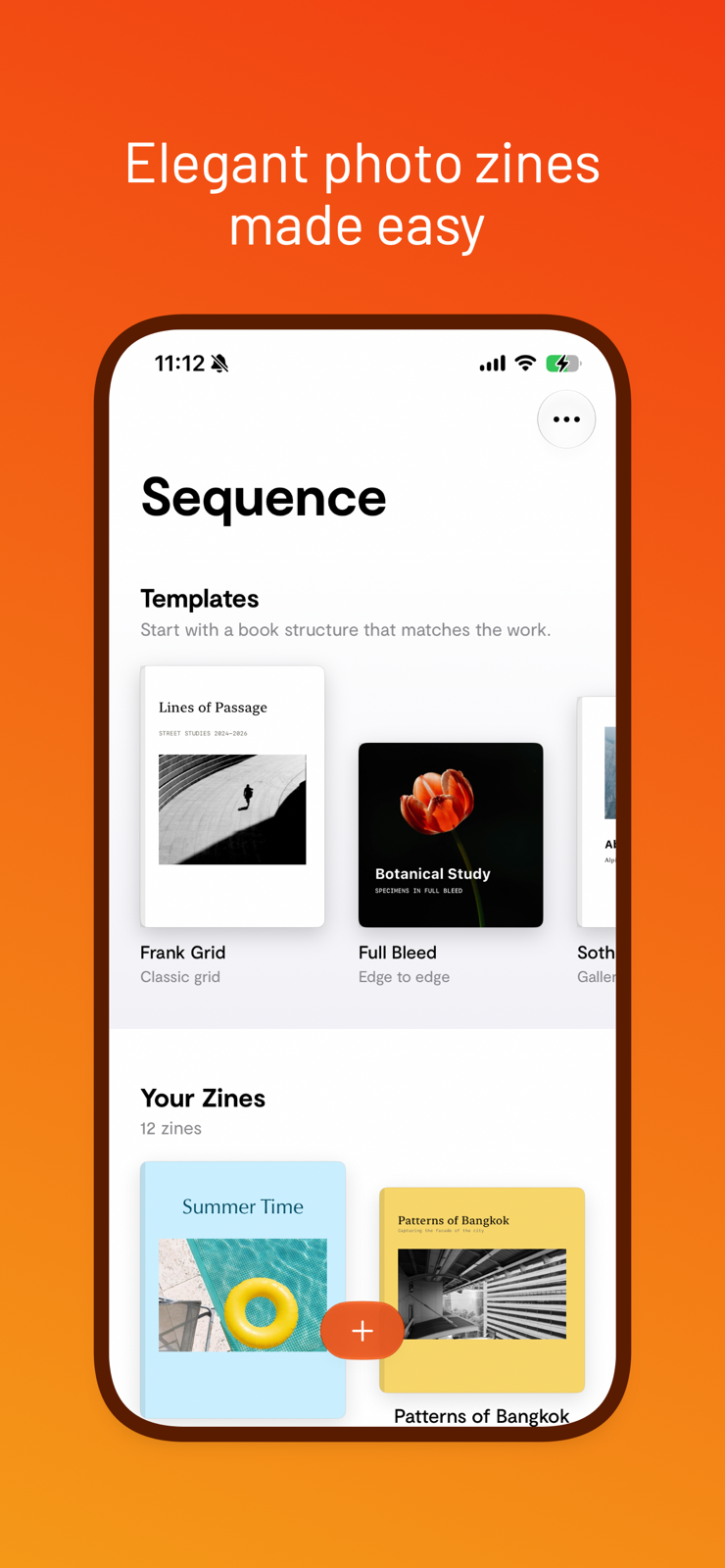
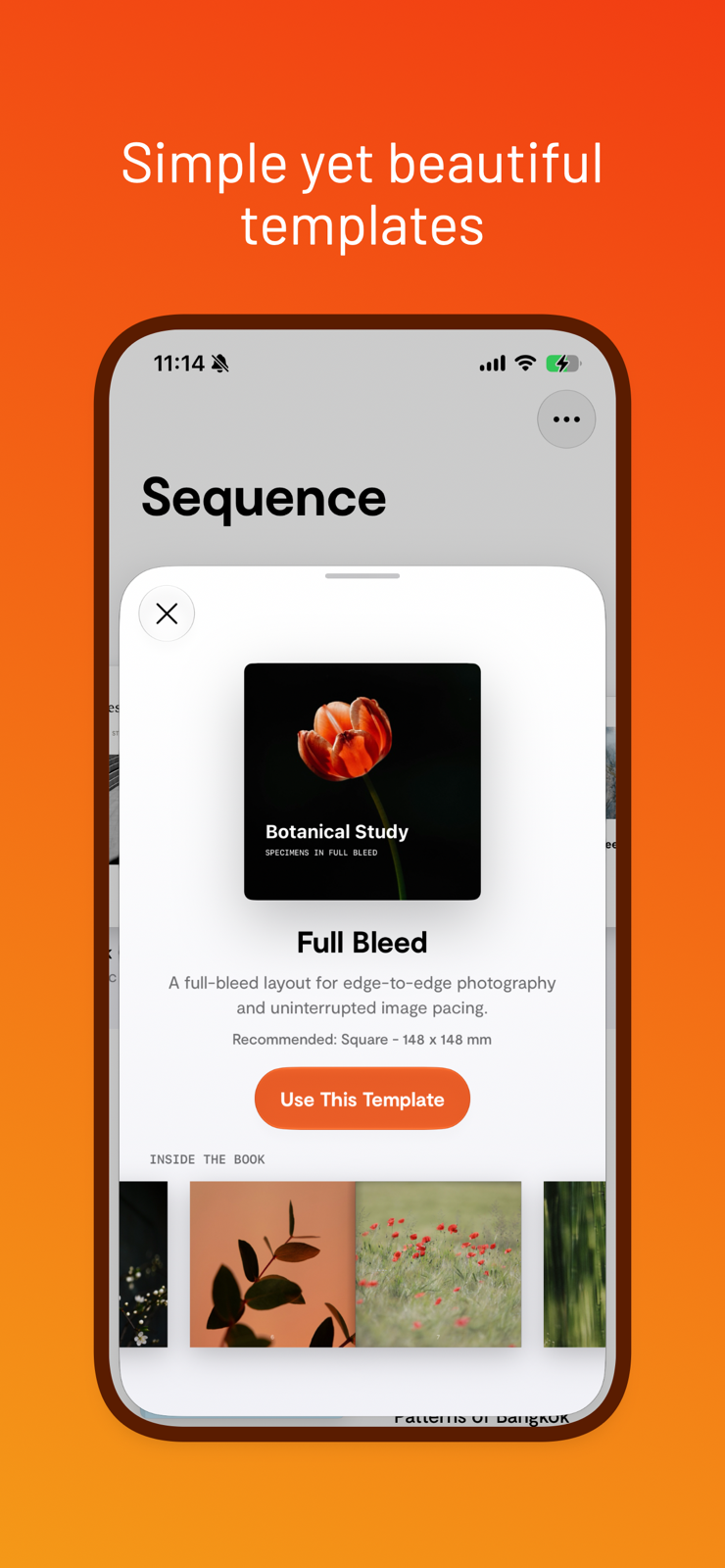
Start with structure
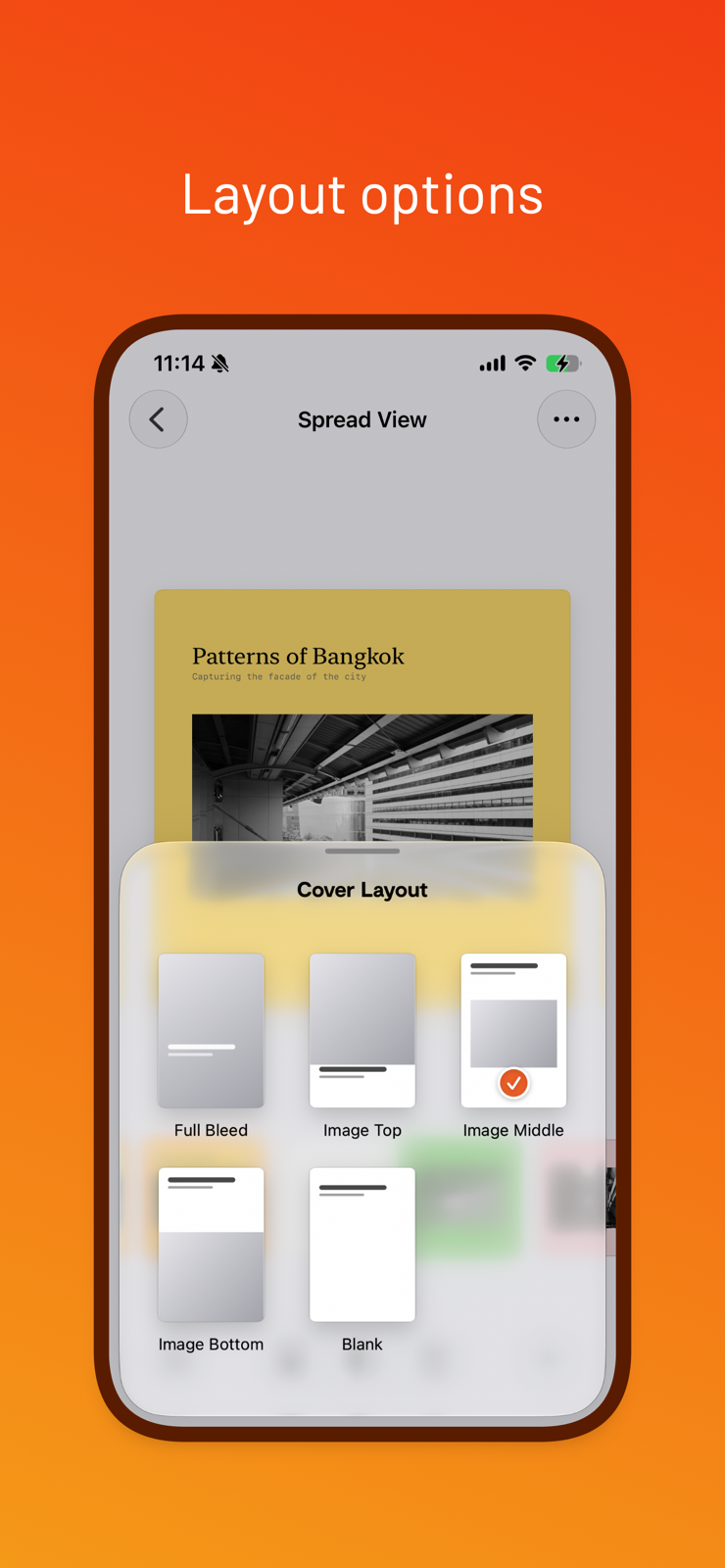
Begin with hand-crafted grids, full bleed, gallery mats, and paced left-right rhythms.
A print-first workspace for photographers
Sequence turns a set of photographs into a considered zine or photo book—paced across real spreads, previewed like a book, and exported as a crisp PDF.
For iPhone and iPad · Requires iOS 17 or later
The sequence matters
Sequence is deliberately focused. Choose photographs, shape their rhythm, tune each page, and move confidently from screen to print. The interface stays out of the way so the edit can lead.
Begin with hand-crafted grids, full bleed, gallery mats, and paced left-right rhythms.
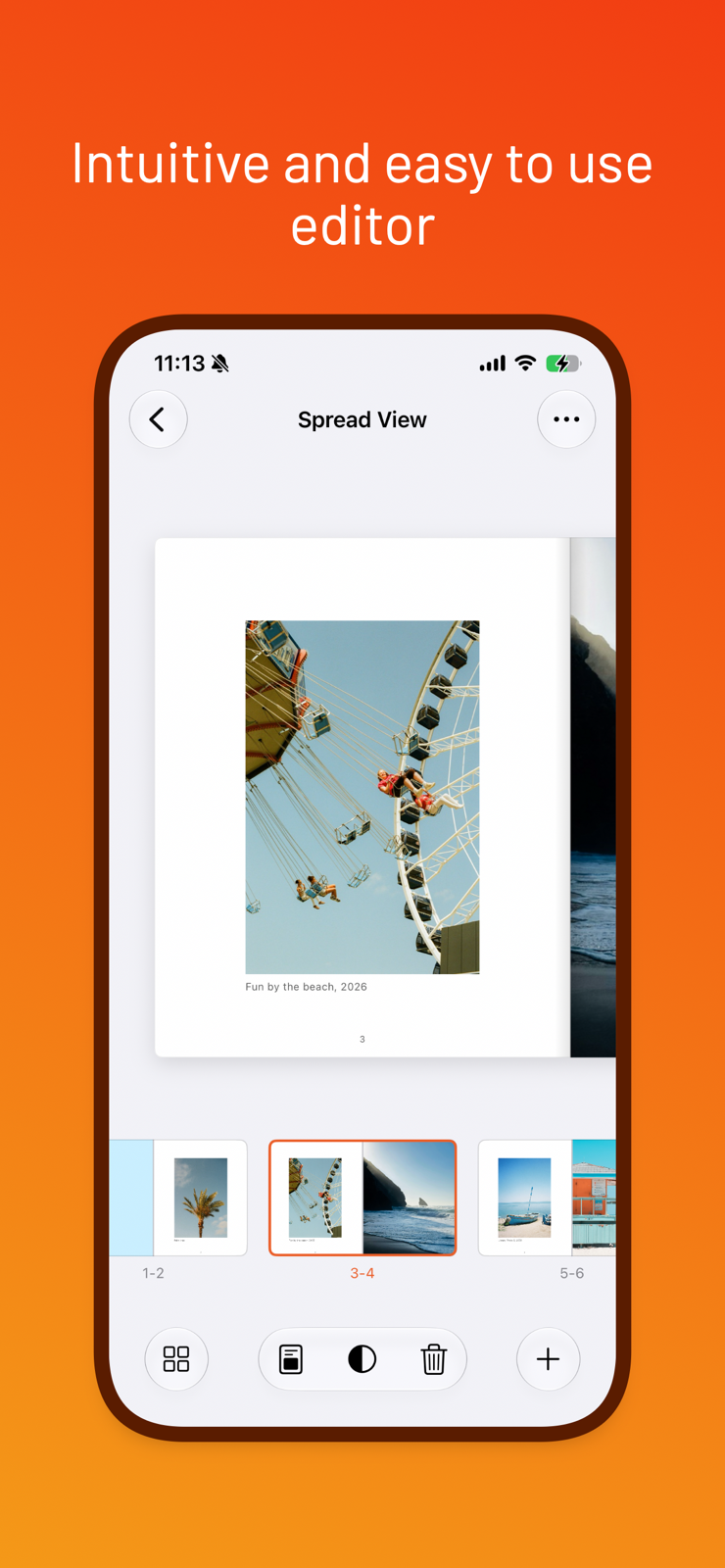
Work across true two-page spreads, reorder the whole sequence at a glance, and designate any image as the cover.
Preview natural page turns, check trim and bleed guidance, then export reader or print-ready PDFs.
From camera roll to printed object
Import only the photographs you choose. Sequence keeps the workflow local and direct, with optional iCloud sync when you want it.
Private by design
Editing and PDF export happen on your iPhone or iPad.
Open Sequence and begin. There is no separate service login.
Use your own iCloud account to keep projects across devices.
Sequence includes no advertising or third-party analytics SDKs.
Sequence for iPhone and iPad
Thoughtful sequencing. Practical print controls. Nothing extra.